Dashboards
Operational visibility for your business, on any screen
Custom dashboards that give your team real-time visibility into operations — mobile views, kiosk displays, control panels, and quick-action interfaces designed for the way you actually work.


Operations center
One surface for services, infrastructure, and signals
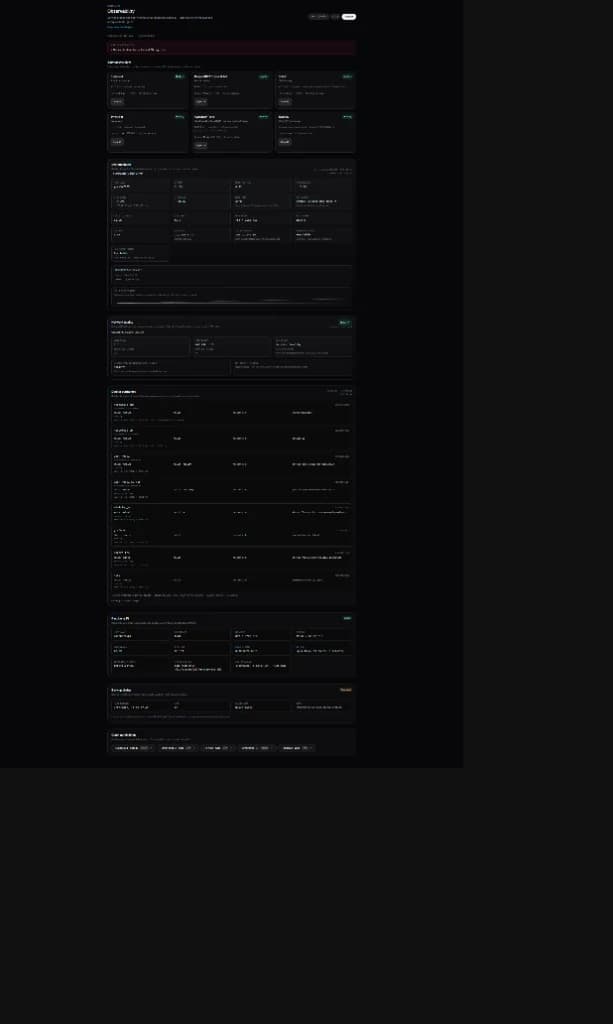
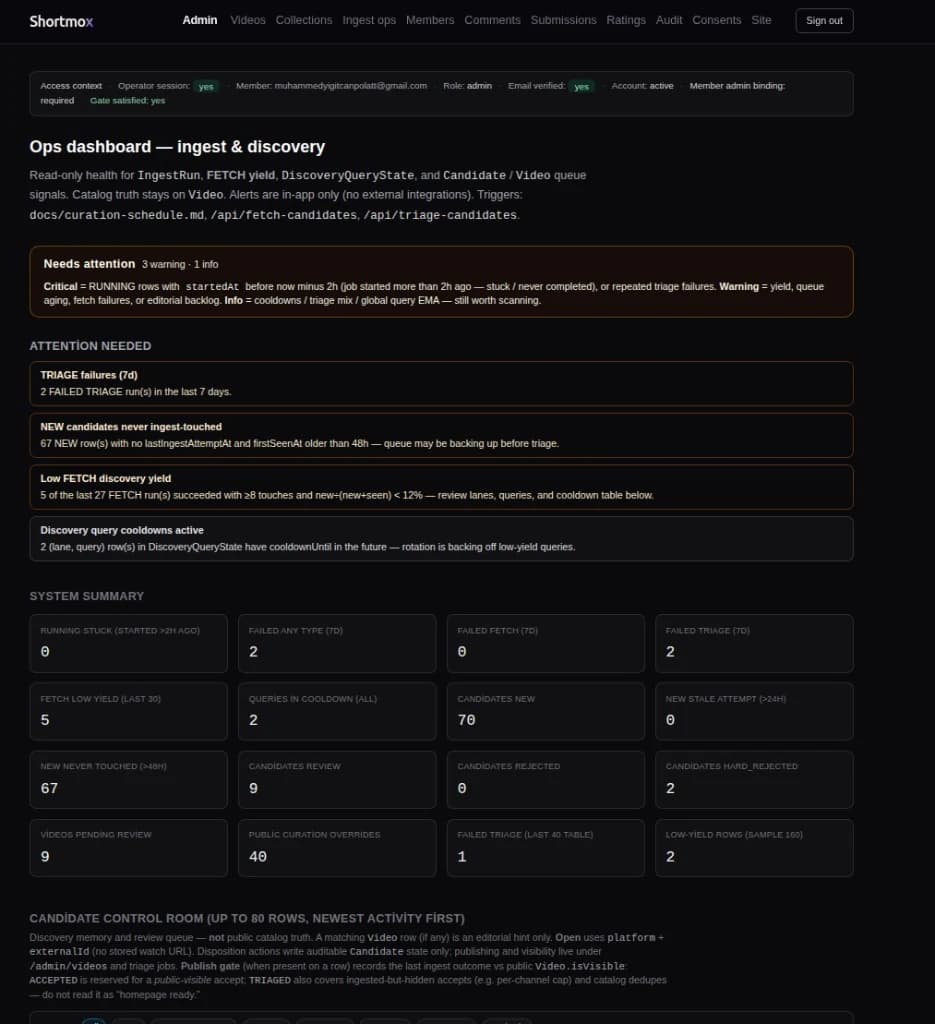
When teams outgrow scattered tabs, we design unified operational dashboards: service health, infrastructure posture, API latency, scheduled jobs, and regional checks — clarity without juggling five different tools. Below: an observatory-style stack overview and a production Shortmox admin surface for ingest, discovery, and triage queues.
Who This Is For
Built for businesses that need
- Businesses needing real-time visibility into operations
- Teams managing multiple systems who need a unified view
- Physical locations needing kiosk or wall-mounted displays
- Managers requiring mobile-first access to key metrics
- Operations teams that need quick-action control panels
- Organizations building internal tools for their staff
What's Included
Scope and deliverables
Custom Dashboard Design
Purpose-built interfaces for your specific data, metrics, and workflows.
Mobile Dashboards
Responsive views optimized for phone and tablet, accessible anywhere.
Kiosk & Display Views
Full-screen interfaces for wall-mounted screens, lobbies, or production floors.
Control Panels
Admin interfaces with controls, toggles, and actions for managing your systems.
Data Integration
Connections to your data sources, APIs, databases, and monitoring systems.
Quick Actions
One-tap operations — restart services, send alerts, trigger workflows.
How It Works
Map
We identify what your team needs to see and do, and where they need access.
Design
Interface design focused on clarity, speed, and the context of each view.
Build
Development with real-time data, responsive layouts, and proper access controls.
Deploy
Setup on your infrastructure with authentication, monitoring, and onboarding.
Add-Ons
Extend this service
- Scheduled email/PDF report generation
- Role-based access and multi-team views
- Webhook and notification integrations
- Embedded analytics and chart exports
- Dark mode and accessibility themes
- Offline-capable progressive web app mode
Related Services
Ready to discuss dashboards for your business?
Tell us what you're building and we'll scope the right approach.